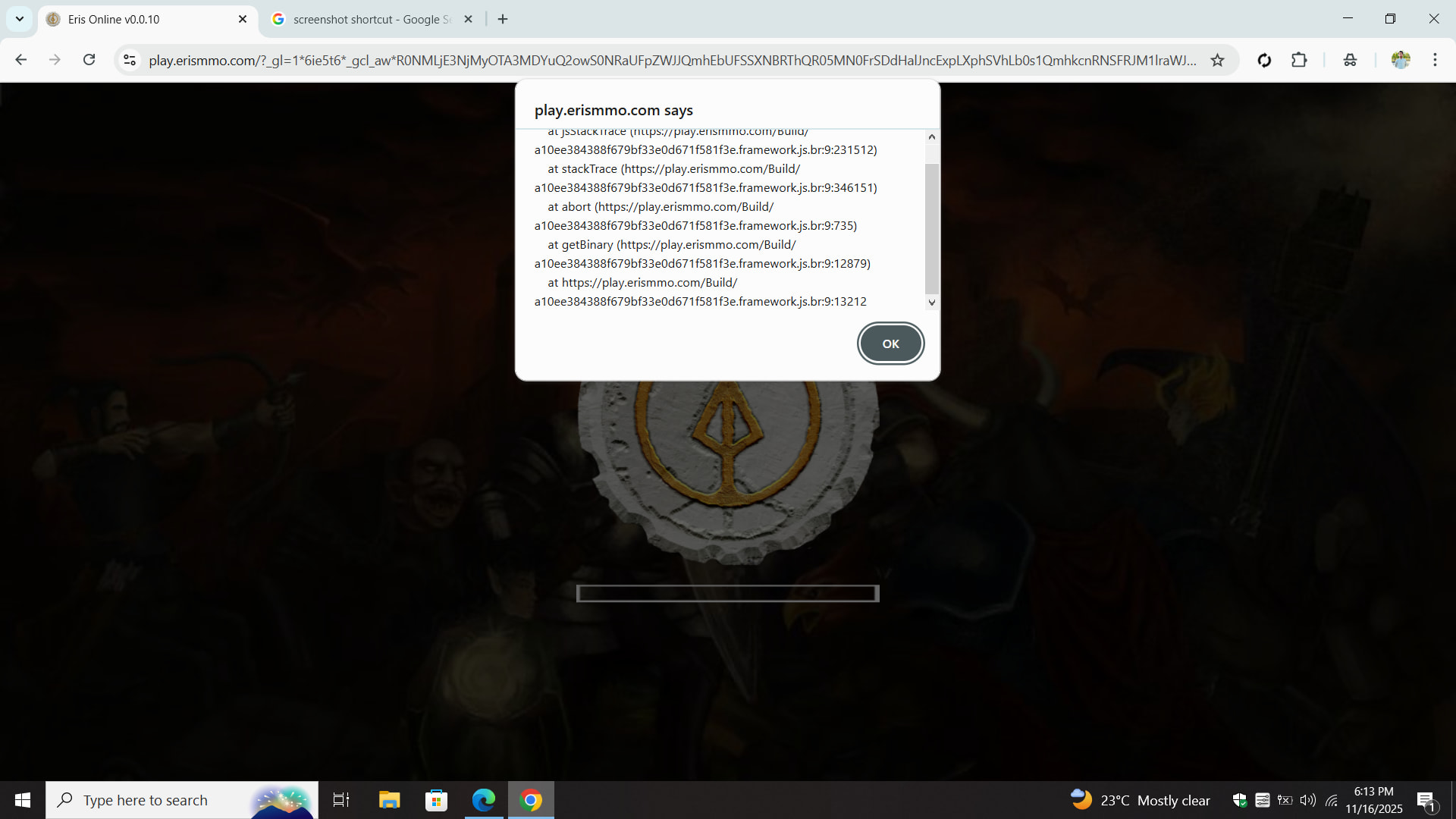
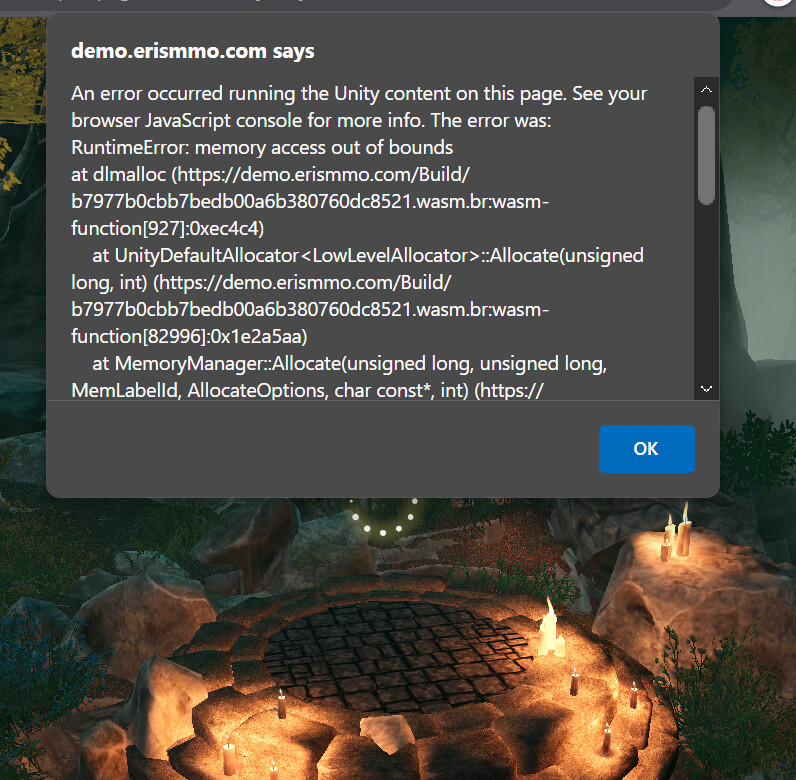
This error is typically related to memory limits, you can try the following:
- Switch browsers
- Incognito mode, close other tabs/apps, restart browser
- Test on a high-RAM device (8GB+ system RAM)
This error is typically related to memory limits, you can try the following:
Thanks for posting these screenshots here, I can see you are getting the same error on both browsers, but I don’t see any errors in the server logs unfortunately.
Are you running any security software maybe? How much RAM and VRAM does your computer have?
Could you also open the browser’s development console and post the full logs here? It may have some clue about what the issue may be. Thanks.
Brother i refreshed again and it worked. Now it does not show error
i have had a similar error. but it usually was when i was near the castle ruins.
also, when the issue gets fixed you wanna play the game together?
It means there is not enough memory. How much RAM do you have in your PC? Which browser are you using?
im on microsoft edge and i have about 8 GB of RAM (i realise that might not be enough to play this but i appreciate the help anyway)
if it does then i’ll be happy to 
8 GB should be plenty. I would recommend updating your browser, the game does work on Edge, but requires a newer version compatible with WebAssembly 2023.
You could also try Google Chrome or any other Chromium based browser.
It could also be a lack of video ram, could you please share how much VRAM you have here as well?
did it start working??